Do study games actually help you learn?
What research says about learning games and gamification, why retrieval is the part that matters, and how to play study games so they count as studying.
Live quiz
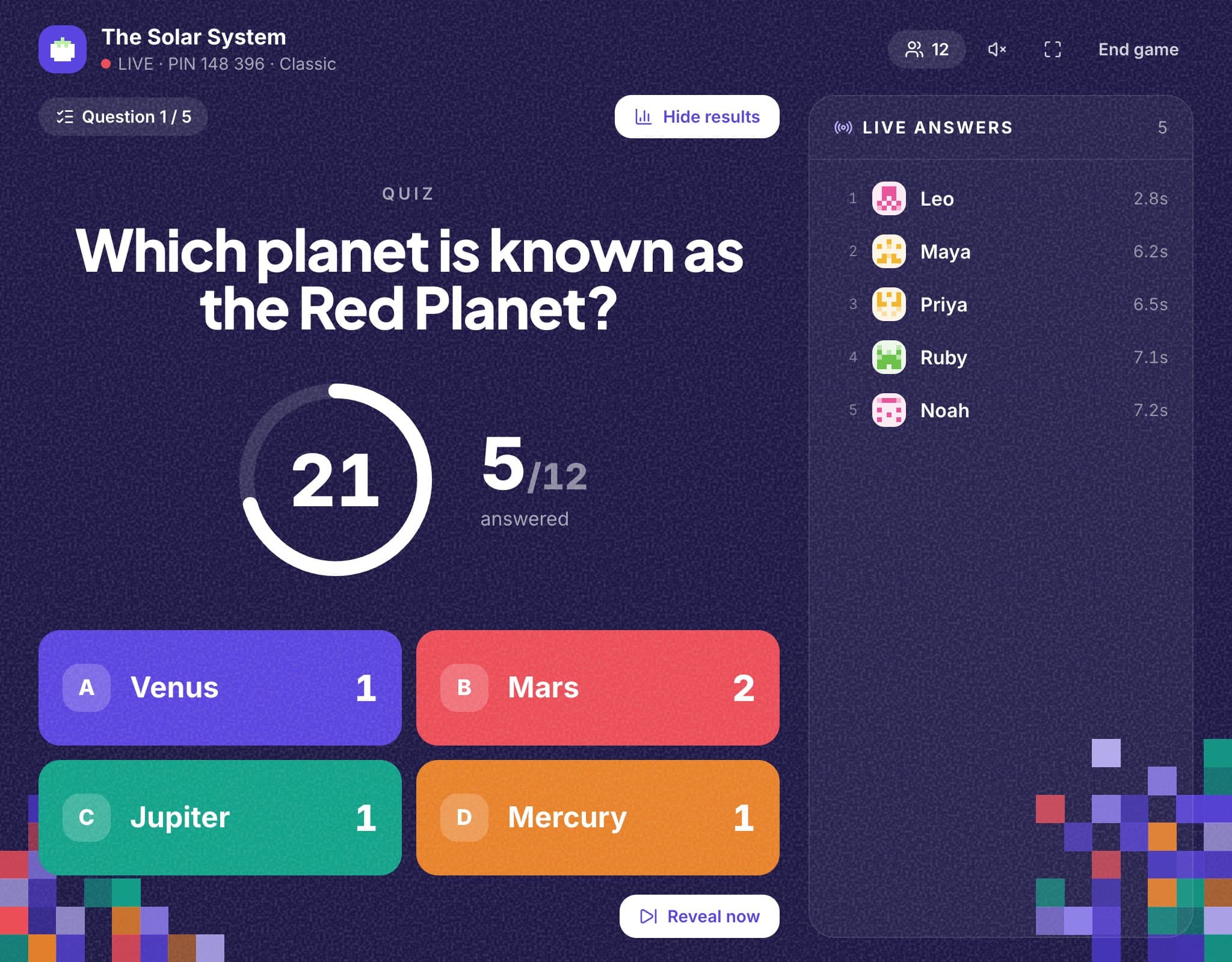
Live quiz
Students go to studypixi.com/live and type the 6-digit PIN. No accounts and no app, on any phone, tablet or laptop.
A whole class, or a whole year group, fits in one game. Free.
Classic, everyone for themselves. Team battle, where balanced teams compete on their average score. Survival, where wrong answers cost a life until the last ones are standing.
Right answers score up to 1000 points, more for being quick, plus a bonus for answering right several times in a row.
A countdown and live answer count, then how the class answered, a top-5 scoreboard and a podium. Move on with the keyboard or a clicker.
Students join by PIN or by scanning a QR code. Watch answers stream in live, lock the game, remove players, or reveal a question early.
Every question and every player, the hardest questions and who might need help. Download it as a CSV.
How it works
Use any quiz or flashcard set, or let AI draft a quiz from your notes or a PDF.
Pick the time per question and open the lobby. The PIN goes up on the big screen.
Students race through the questions on their phones. Then see the podium and the report.
From the blog
What research says about learning games and gamification, why retrieval is the part that matters, and how to play study games so they count as studying.
Most study groups fade after week three. Here's how to pick the right size, set a rhythm, split the work and keep sessions worth turning up for.
Quizlet is free to use, but Learn, practice tests and AI study guides are limited. Here's what's free in 2026, what Quizlet Plus costs, and free alternatives.
FAQ
No. They join at studypixi.com/live with the game PIN and a nickname. Only the teacher who hosts needs a free account.
Up to 200 per game, free. You can lock the game once everyone's in.
Classic: everyone plays for themselves. Team battle: players are dealt into 2 to 4 balanced teams and the best average score wins. Survival: everyone gets 1 to 5 lives, a wrong or missed answer costs one, and the last ones standing win.
Any of your quizzes or flashcard sets. Flashcards become multiple-choice questions, with other cards' answers as the wrong choices. AI can draft a quiz from your notes, a PDF or photos: free accounts get 25 AI drafts a month.
Yes. Turn on "Show questions on players' devices" so remote students see the question and the answers on their own screen.
It works the same way: a shared screen, a game PIN and points for speed. It's free for up to 200 players, and it isn't affiliated with Kahoot!.
Works well with
Sign up with Google or your email and you're studying in under a minute. No card, no trial.