How to turn your notes into flashcards with AI (and check them)
AI can draft a deck from your notes in seconds. Here's how to get good cards out of it, what to check before you study them, and when to write your own.
AI quiz generator
Try it now · free, no sign-up
Pick a topic and take a five-question quiz in the same format StudyPixi makes from your notes. Then paste your own notes to make the real thing.
Photosynthesis is how plants, algae and some bacteria turn light energy into chemical energy. It happens mainly in the chloroplasts of leaf cells, which contain the green pigment chlorophyll. The plant takes in carbon dioxide through small pores called stomata and water through its roots. Using light energy, it makes glucose and releases oxygen as a by-product. The overall equation is 6CO₂ + 6H₂O + light → C₆H₁₂O₆ + 6O₂.
A sample written by hand from the notes above, in the format the AI generator uses.
No card, no trial. Google or email.
AI quiz generator
Paste up to 100,000 characters of text, upload a PDF up to 20 MB, or add up to 5 photos of your notes.
Every question has four options with plausible wrong answers, and the right one moves around.
Each question comes with a one-sentence explanation, shown after you answer, so a wrong answer still teaches you something.
Questions come only from what you give it, with no outside facts, and in the same language as your notes.
Ask for 5 to 40 questions. The draft opens in the editor, and nothing is saved until you say so.
Saved quizzes get spaced repetition, study games and live Quiz Battles with your group.
Tips
“Chapter 6: cell respiration” gives sharper questions than a whole term's notes at once.
They already match what your course covered, so the questions do too. Lecture slides work well as well.
A short quiz you can check properly beats a long one you skim. You can always make more.
Fix anything that's off before you save, and delete questions on things your course didn't cover.
Spaced repetition brings each question back right before you'd forget it, which is when retaking helps most.
How it works
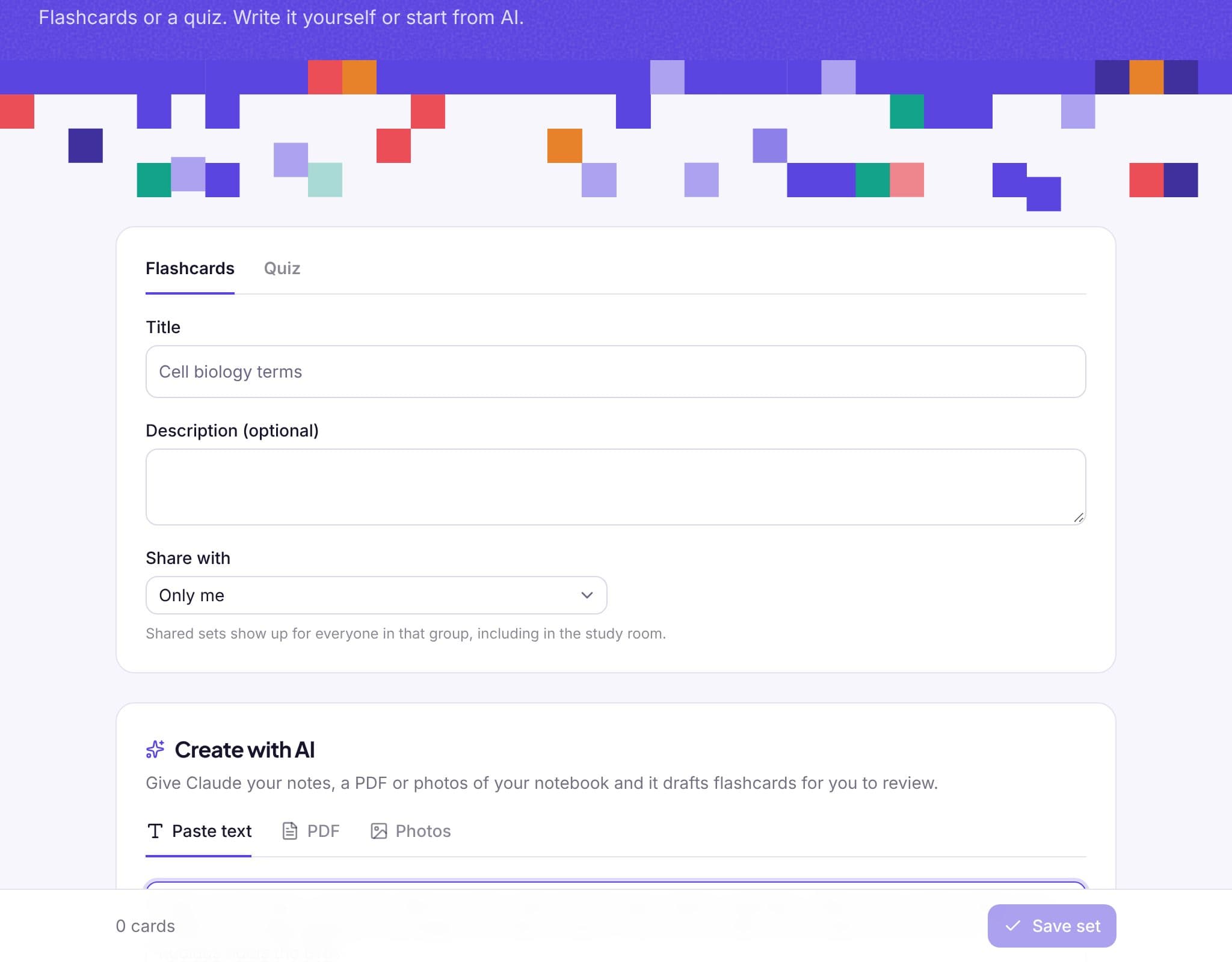
Paste text, upload a PDF or add photos of your notes or textbook.
Pick Quiz and how many questions you want, then generate the draft.
Fix anything that's off, save, and take the quiz or battle your group with it.
Inside StudyPixi
From the blog
AI can draft a deck from your notes in seconds. Here's how to get good cards out of it, what to check before you study them, and when to write your own.
A step-by-step guide to mind maps for studying: when they help, how to structure one, and how to turn a finished map into revision.
Quizlet is free to use, but Learn, practice tests and AI study guides are limited. Here's what's free in 2026, what Quizlet Plus costs, and free alternatives.
FAQ
It's free. You can try it on this page without an account. To save your sets and review them with spaced repetition and games, sign up free with Google or your email.
Yes. Upload one PDF up to 20 MB. PDFs where you can select the text work best; scanned pages work too but may need more fixing.
Usually, but not always. Check each question against your notes before you save. The draft editor makes that quick.
Share it with a study group and every member can take it or play it in a Quiz Battle. Only you can edit it.
Not yet. Quizzes are taken in StudyPixi, where you get instant feedback and your best score is saved.
Works well with
Sign up with Google or your email and make your first quiz in under a minute. No card, no trial.