Do study games actually help you learn?
What research says about learning games and gamification, why retrieval is the part that matters, and how to play study games so they count as studying.
Matching quiz maker
Try it now · free, no sign-up
Edit the example or paste your own terms and definitions, then clear the board as fast as you can. Six pairs a round, and a second added for every wrong pair.
8 pairs ready, 6 per round.
Free, no sign-up. Your list stays in your browser unless you choose to save it.
No card, no trial. Google or email.
Matching quiz maker
Each round deals 6 pairs from your set in a new order, so no two rounds are the same.
Your time is your score. Every wrong pair adds a one-second penalty.
Your best time is saved for every set, with a top-5 leaderboard for the set.
When you finish, see the pairs you got wrong next to the right answers.
Type terms and definitions, or let AI draft flashcards from notes, a PDF or photos. Quizzes work too.
Play Pixel Dash, Block Drop or a live Quiz Battle with the same cards.
Tips
Two definitions that say almost the same thing make the board a guessing game. Rewrite them so each one fits only one term.
Matching is about scanning fast. Aim for a short phrase rather than a full sentence.
Each round deals 6 pairs from your list, so a longer list gives you a different board each time.
Once you can clear the board with no mistakes, switch to the quiz, which makes you recall the answer rather than spot it.
How it works
Type terms and definitions as flashcards, or generate them from your notes.
Pick Match from the games and choose your set.
Clear the board, check what you missed, and try to beat your time.
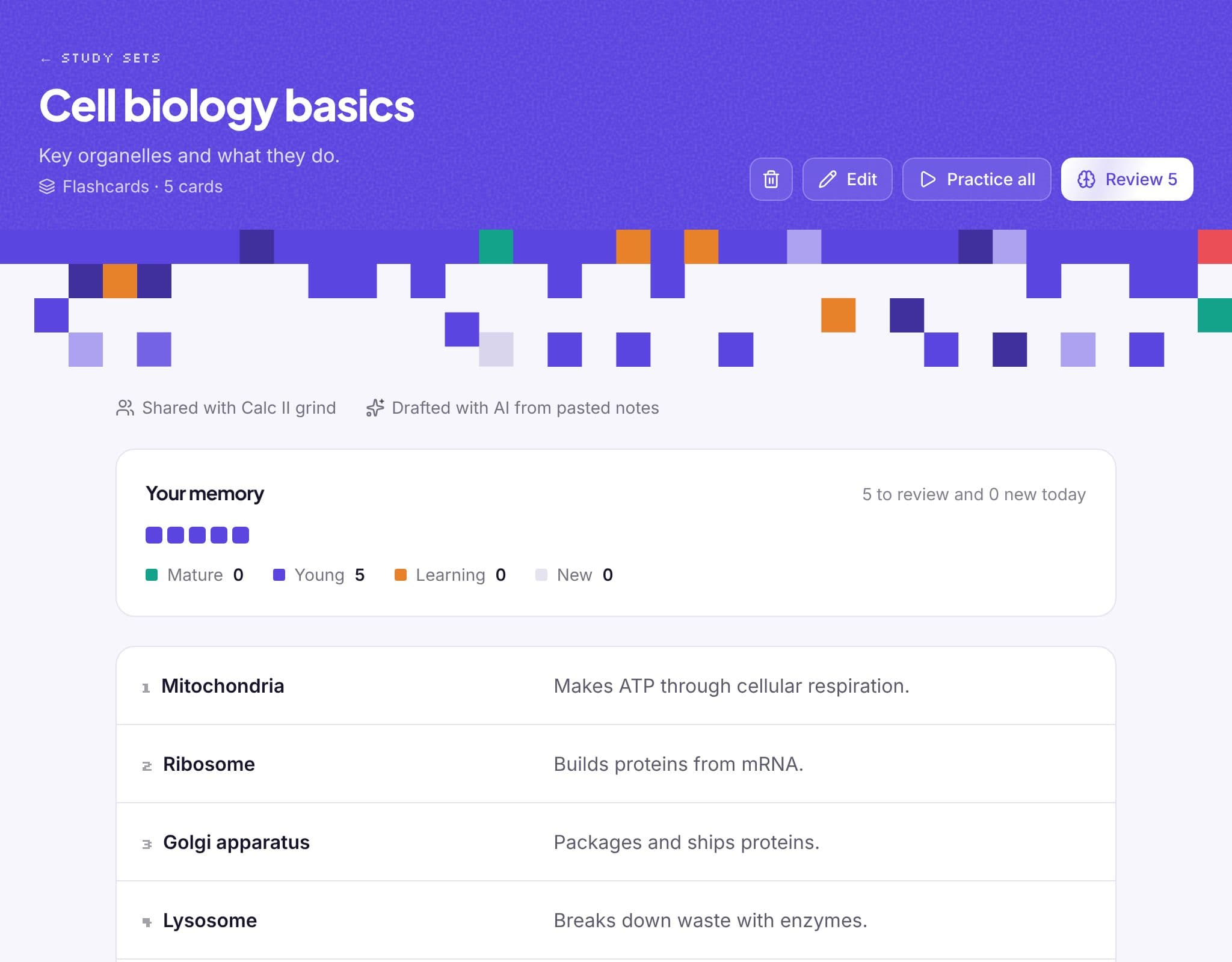
Inside StudyPixi
From the blog
What research says about learning games and gamification, why retrieval is the part that matters, and how to play study games so they count as studying.
Most study groups fade after week three. Here's how to pick the right size, set a rhythm, split the work and keep sessions worth turning up for.
Quizlet is free to use, but Learn, practice tests and AI study guides are limited. Here's what's free in 2026, what Quizlet Plus costs, and free alternatives.
FAQ
A list of terms and a list of definitions that you pair up. It's quick retrieval practice for vocabulary, key terms, dates and formulas.
Yes. Each question is paired with its correct answer.
Not yet. Match is played on screen, which is what makes the timer and the review work.
It's free. You can try it on this page without an account. To save your sets and review them with spaced repetition and games, sign up free with Google or your email.
Works well with
Save your terms, beat your best time and add spaced repetition. Free with Google or your email.